Explore the catalog
Search Printify products by keyword, from mugs and T-shirts to posters. Find a product that fits the design you want to make.
Playground integrations / Printify MCP
Bring your Printify store into your AI conversation. Discover products, create artwork, choose variants, and prepare your next print-on-demand launch with Playground MCP.
Connect your account and bring Playground into your AI assistant.
 Claude
 ChatGPT
 Etsy
Etsy PrintifyClaudeorChatGPTYOU ASK
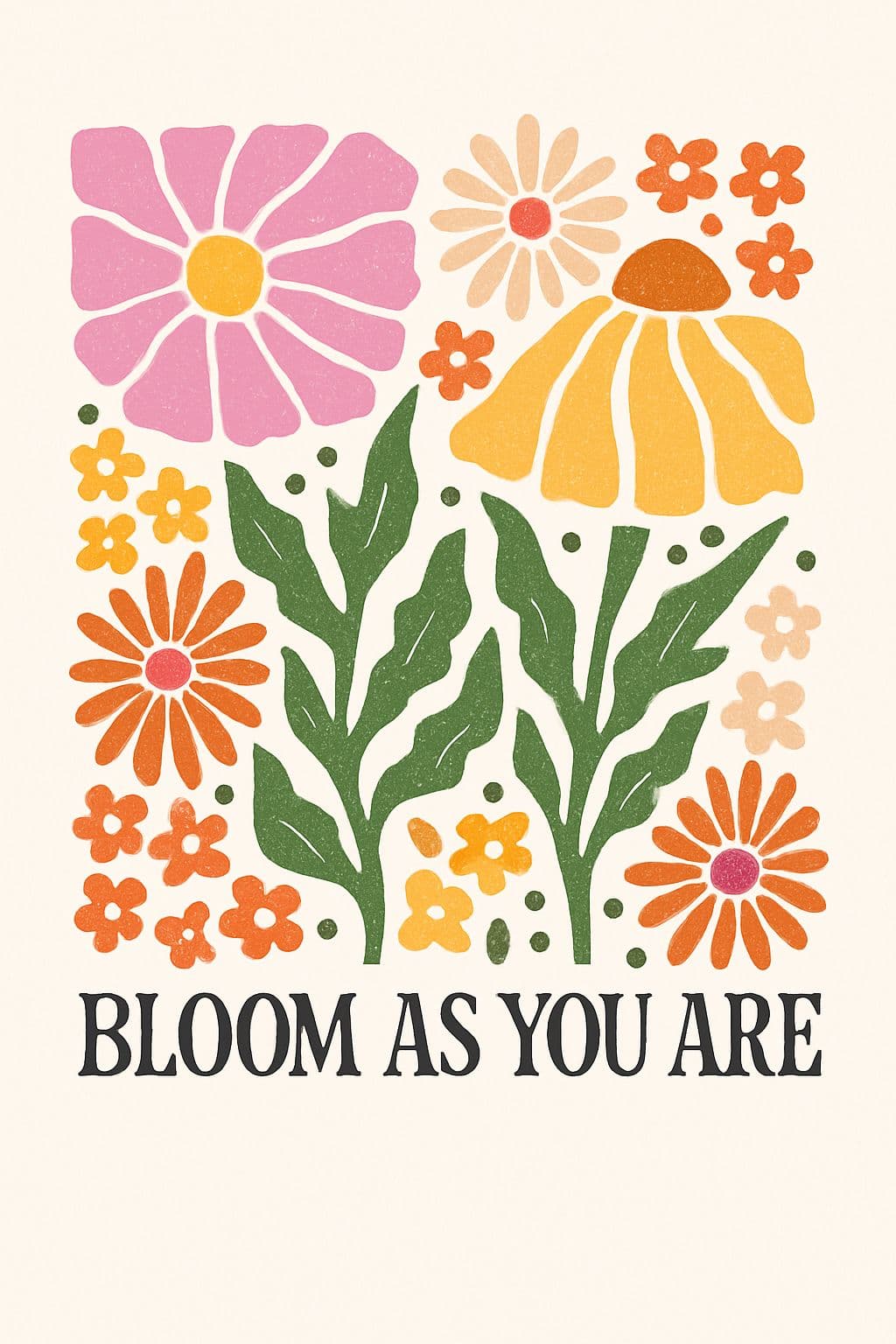
“Turn this floral design into a tote bag.”
 PrintifyPRODUCT DRAFT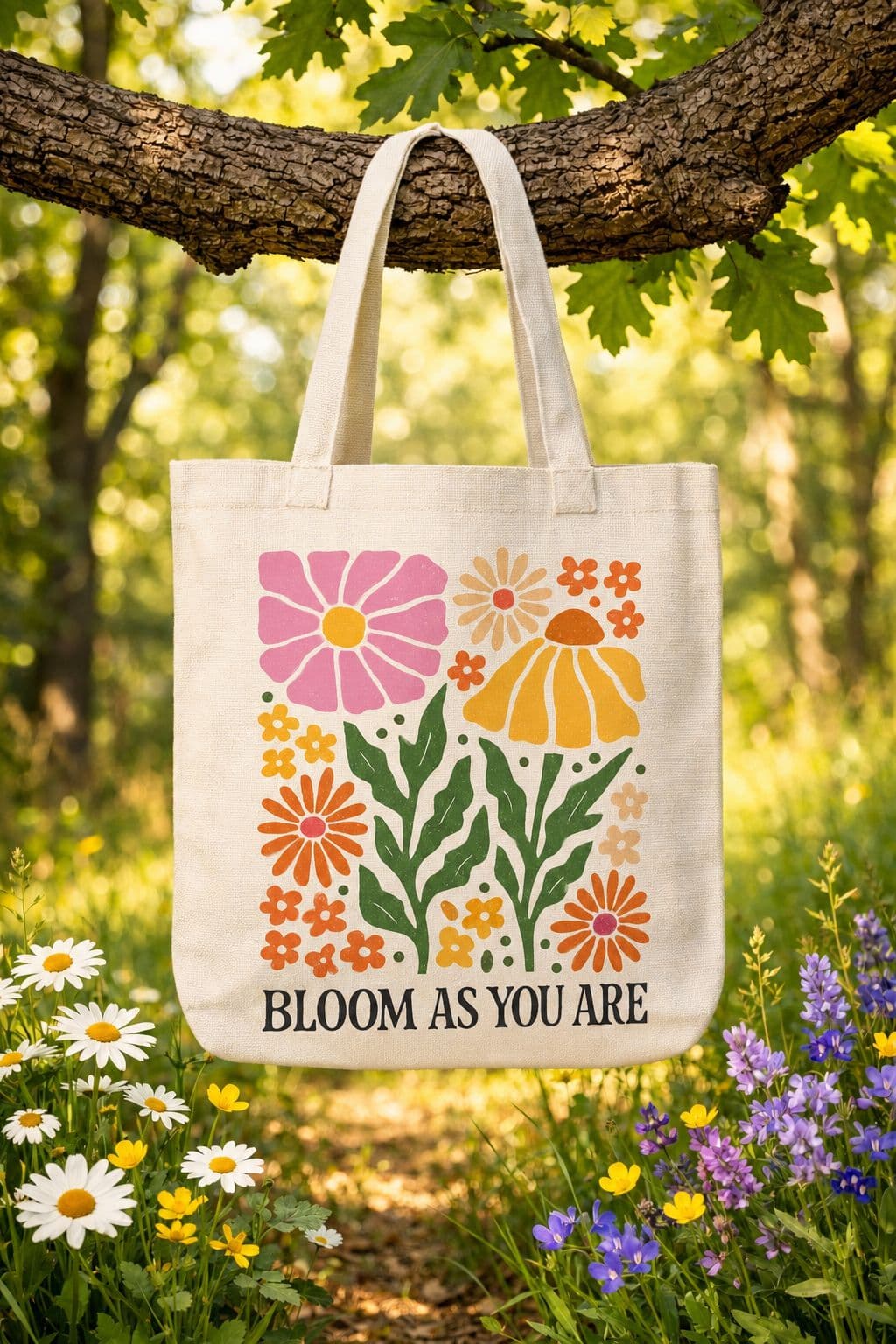
YOUR IDEAS, WITH TOOLS TO MATCH
Connect the creative process to the practical details: catalog, artwork, print provider, variants, and your store.
Search Printify products by keyword, from mugs and T-shirts to posters. Find a product that fits the design you want to make.
Explore a product’s print providers, sizes, colors, and print areas. Use actual catalog details to plan your product.
Search Playground templates, generate a fresh design, or edit existing artwork. Compare creative directions before choosing one.
Upscale supported images and remove backgrounds, then upload chosen artwork to your Printify media library. Check dimensions against the selected print area.
Combine artwork, product details, and selected variants into a Printify product. Review the result before moving on to publishing.
Ask your assistant to publish a prepared product to your Printify shop’s connected sales channel. Publishing is a separate step from product creation.
Sign in to Playground and link Printify from Connectors. Choose the shop you want to work with.
Connect your assistant, search the catalog, explore print providers, and generate or refine artwork for the selected product.
Create an unpublished product with your variants and artwork. Check the details and placement before asking your assistant to publish it.
MCP lets your assistant use Playground’s tools. Add this server URL in a compatible assistant, then authorize your Playground account.
https://playgroundai.com/mcpClaude & ChatGPT setup is available in Connectors.
Explore the connections that fit the way you work.
Your shop’s home base: see what needs attention, tackle jobs, and track your progress.
Explore the full creative toolkit and connect your AI assistant to Playground.
Review listings, create drafts, and prepare product images for your Etsy shop.
Designing products for your shop?
Explore our print-on-demand design toolsImage generation and editing use your Playground plan and credits. Assistant subscriptions and store charges are separate.
View Playground plansConnect your Playground account and bring your designs and shop into the conversation.
Playground is an independent product and is not affiliated with, endorsed by, or sponsored by Etsy, Printify, Anthropic, or OpenAI. All trademarks belong to their respective owners.