See the bigger picture
Ask for a snapshot of your connected shop and active listings. Give your assistant the context to help you decide what to work on next.
Playground integrations / Etsy MCP
Connect your Etsy shop to your AI assistant through Playground MCP. Review listings, prepare product images, and turn your next idea into a draft listing.
Connect your account and bring Playground into your AI assistant.
 Claude
 ChatGPT
 Etsy
Etsy PrintifyClaudeorChatGPTYOU ASK
“Give my shop’s listings a fresh start.”
EtsyPetal & Thread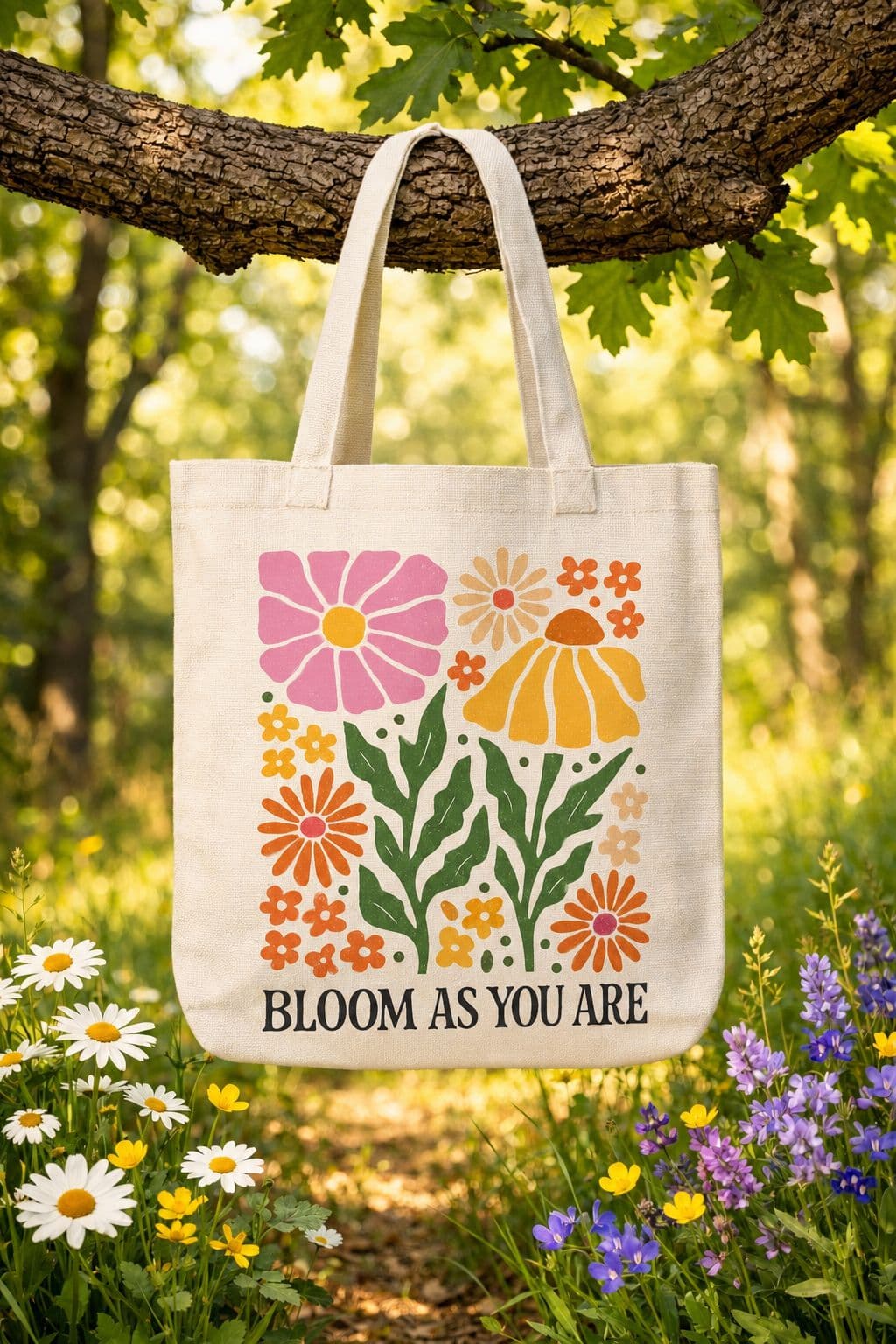
Flower bag
A CLEARER TITLEBotanical canvas bag for everyday adventures.
Less busywork. More shop potential.
YOUR IDEAS, WITH TOOLS TO MATCH
Work with your actual shop and listings, with Playground’s creative tools in the same conversation.
Ask for a snapshot of your connected shop and active listings. Give your assistant the context to help you decide what to work on next.
Audit listing copy and ask for clearer titles, descriptions, and tags. Review proposed improvements before asking your assistant to apply them.
Apply approved listing changes in a batch, or work on a single listing’s title, description, price, quantity, or tags.
Find the right Etsy category and create a draft listing using your product details and applicable shipping and processing profiles.
Search design templates, generate original images, and edit your designs. Upscale artwork or remove backgrounds before using it in your listing workflow.
Attach a chosen image to an Etsy listing and set its position. Keep your artwork preparation and listing updates in one workflow.
Open Playground Connectors and authorize your Etsy shop connection.
Follow the Claude or ChatGPT setup in Playground. Etsy tools become available when your shop is connected.
Ask for a listing audit or a new draft. Review the proposed changes, then tell your assistant which updates to make.
MCP lets your assistant use Playground’s tools. Add this server URL in a compatible assistant, then authorize your Playground account.
https://playgroundai.com/mcpClaude & ChatGPT setup is available in Connectors.
Explore the connections that fit the way you work.
Your shop’s home base: see what needs attention, tackle jobs, and track your progress.
Explore the full creative toolkit and connect your AI assistant to Playground.
Find products, create artwork, and prepare your next print-on-demand launch.
Designing products for your shop?
Explore our print-on-demand design toolsImage generation and editing use your Playground plan and credits. Assistant subscriptions and store charges are separate.
View Playground plansConnect your Playground account and bring your designs and shop into the conversation.
Playground is an independent product and is not affiliated with, endorsed by, or sponsored by Etsy, Printify, Anthropic, or OpenAI. All trademarks belong to their respective owners.