GPT Image 2.5 Flare
Get the idea out. Keep the work moving.
Flare is OpenAI’s fast GPT Image 2.5 model for everyday image generation. Try a social post, a product concept, or a fresh direction for your next project, free on Playground.
Up to 3 free images every 30 days, shared across image tools. No sign-up. 1024 × 1024 PNG at medium quality.
How GPT Image 2.5 Flare works
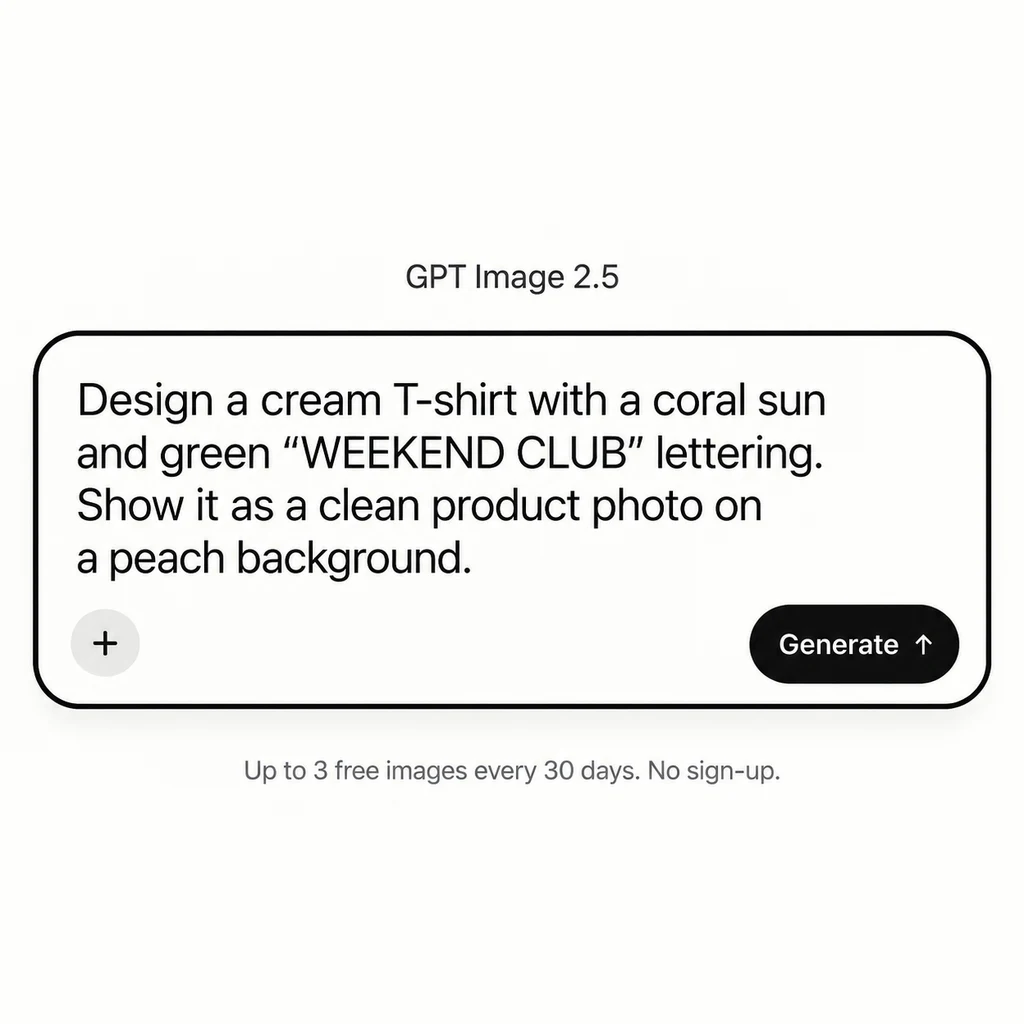
1. Start with a T-shirt idea
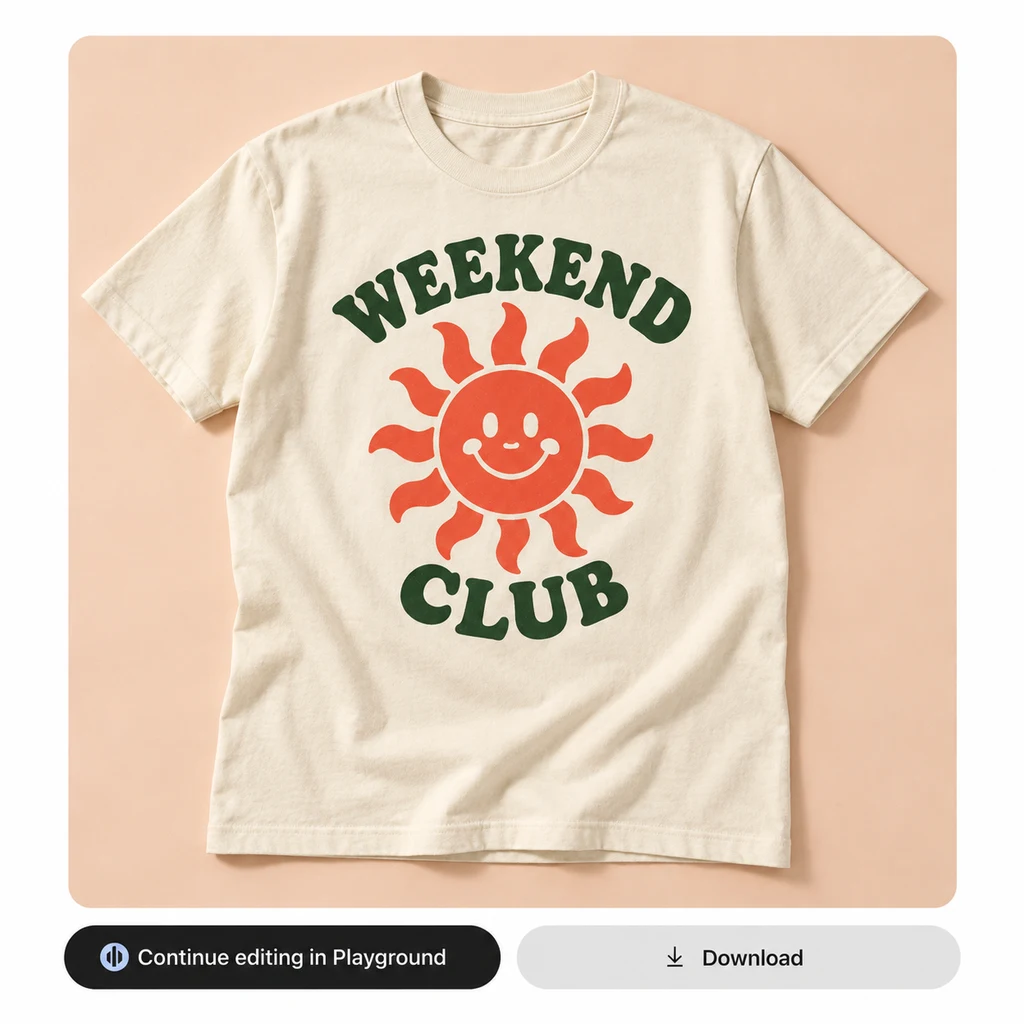
2. Explore your first design with Flare
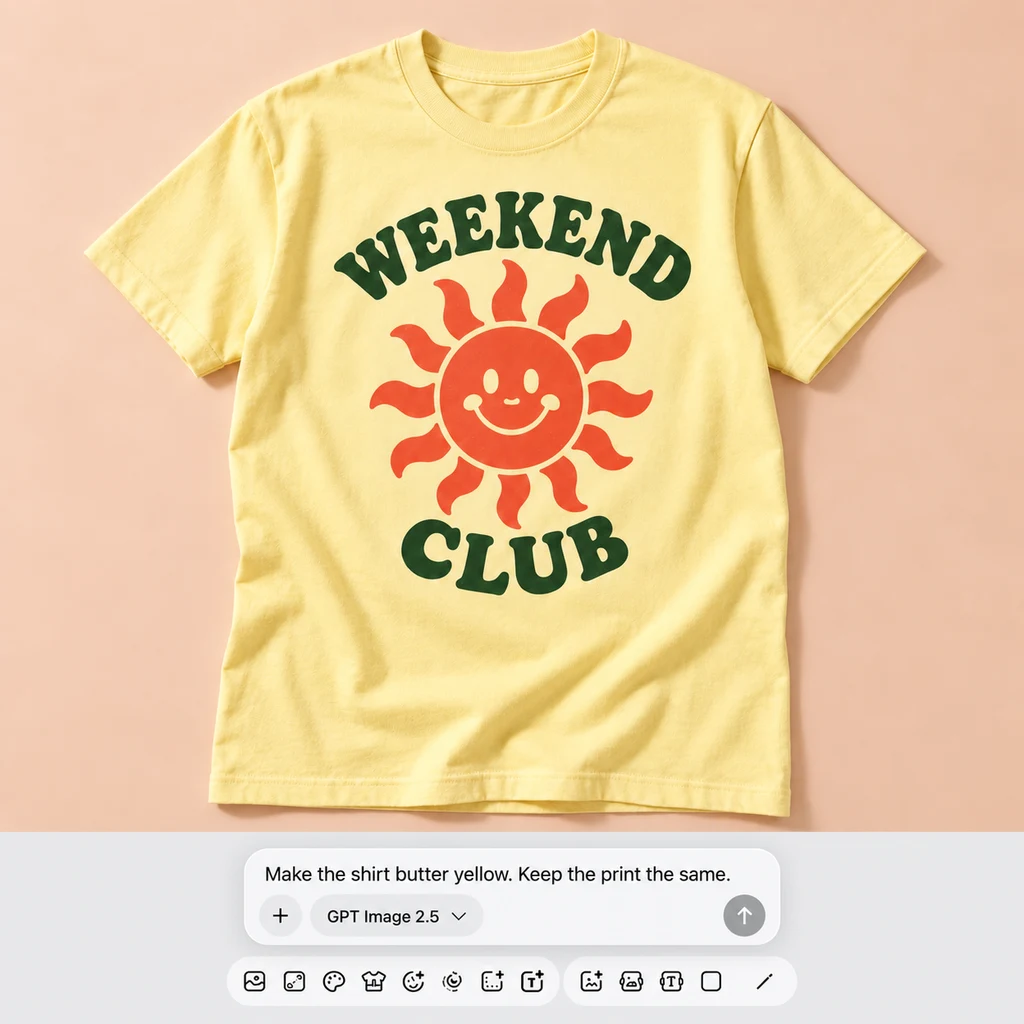
3. Try another colorway
Try your first T-shirt design
Have an idea for a small merch drop? Start with the shirt, the graphic, and the words you want on it. This prompt brings them together in a product image you can use to explore the direction. Check the lettering and print placement, then try a different colorway.
Design a cream T-shirt with a coral sun and green “WEEKEND CLUB” lettering. Show it as a clean product photo on a peach background.Try this prompt free
The images above illustrate the workflow. Run the prompt to compare your own results.
When to choose Flare
Early in a project, you need something to react to. A different color palette. A new setting. A composition you had not considered. Flare is a practical starting point for that stage: OpenAI positions it as its fastest model for high-quality everyday image generation. Use the free trial to see whether it gets you to a useful first draft, then try Sunburst if a particular edit needs closer attention.
Read OpenAI’s model notes for Sunburst and Flare.
Social content with a clear point of view
Describe the subject, brand colors, and the space needed for a headline. Use the first image to decide whether the direction works before spending time on the final layout.
Product concepts before a shoot
Explore a tabletop scene, a seasonal backdrop, or a different lighting direction. A useful concept can help you decide what the real campaign should look like.
Everyday photo revisions
Upload a photo and ask for a focused change, such as a new background or a different color. Compare the result with your original to make sure the important details stayed intact.
Sunburst vs Flare: where to start
Choose based on the job in front of you. Flare suits a quick first draft; Sunburst is worth trying when you need a more precise edit. Both can generate new images and work from an uploaded reference.
| Your priority | Sunburst | Flare |
|---|---|---|
| Model focus | Capability and editing precision | Speed and everyday generation |
| A useful first test | A product edit with several details to preserve | A social image or a new campaign concept |
| Free Playground output | 1024 × 1024 PNG, medium quality | 1024 × 1024 PNG, medium quality |
| Try it | Try Sunburst free | Try Flare free |
Model positioning: OpenAI Sunburst documentation and OpenAI Flare documentation. The suggested tests are our practical starting points. Generation time and results vary with the brief.
Independent model rankings
GPT Image 2.5 on Arena
Sunburst and Flare hold the top two positions in these Arena snapshots. Here are the scores, along with the original leaderboards so you can check the evidence yourself.
Text-to-image generation
- #1 · Sunburst
- 1,421 ± 13
- #2 · Flare
- 1,399 ± 13
Single-image editing
- #1 · Sunburst
- 1,520 ± 9
- #2 · Flare
- 1,491 ± 9
Arena snapshot dated , checked . Both models are marked preliminary. The ± values are Arena’s reported uncertainty. Scores reflect human preferences, not accuracy percentages; rankings may change as votes accumulate. These scores evaluate the models, not Playground’s free trial settings.
Find the model that fits your next project
Use the same brief across a few models. Compare the details that matter for your project, from lettering to product photos.
OpenAI
GPT Image 2
An earlier GPT Image model for typography, text rendering, and instruction following.
- Speed
- ~15-25s
- Output
- Up to 1024 × 1536
- Pricing
- Free — 3 / month
Best for
Posters, ads, packaging, infographics, and any image with legible text.
- Reads dense prompts and complex layouts
- Renders crisp typography and on-image text
- Edits with strict prompt fidelity
Google Gemini 2.5 Flash Image
Nano Banana
The everyday workhorse. Lightning-fast iteration with strong reference fusion and character consistency.
- Speed
- ~3-6s
- Output
- 10 native ARs up to 1K
- Pricing
- Free — 3 / month
Best for
Rapid retouches, social posts, exploration, and blending multiple references.
- Lightning-fast iteration loop
- Strong reference image fusion
- Great for character / style consistency
Google Gemini 3 Pro Image
Nano Banana Pro
The highest-fidelity Gemini model. 4K native output, sharper detail, and improved photorealism.
- Speed
- ~25-40s
- Output
- Up to 4K, 10 ARs
- Pricing
- 1 free / 30 days, no sign-up
Best for
Photoreal hero shots, large-format prints, and detailed scene composition.
- 4K native resolution output
- Best-in-class photorealism
- Improved text + spatial reasoning
Try Muse Image — our free-user Auto default, at 1 credit each


